

Does this new vulnerability affect any of my servers?
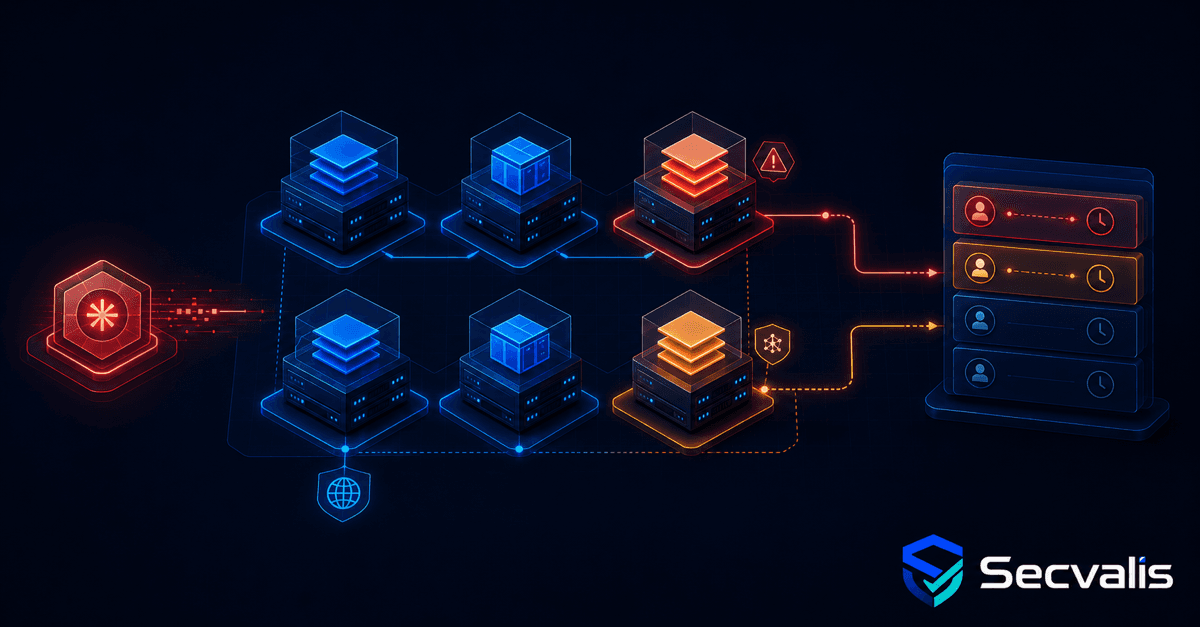
For years, this task looked very ordinary in my work. An alert appeared about a new vulnerability in OpenSSL, the Linux kernel or a widely used library. Then came the tour of the servers: where is the package installed, which version is present, is the service running, is the host exposed to the internet and has the distribution vendor released a fix?
One vulnerability was not the problem. The problem was that the task kept returning. A new CVE, another machine list, the same commands, another set of notes and the recurring question of whether I had checked everything. You can keep a few hosts in your head. With dozens, you start paying with time for the absence of a single view.
A CVE number is not yet an answer
A public catalogue helps establish what a vulnerability is and provides CVSS, EPSS and KEV context. That is the first step, but an administrator needs an answer rooted in the environment:
- which machines contain the affected package,
- which version is installed,
- whether a fixed version is known,
- whether the finding comes from the operating system or a container image,
- whether the host is critical or publicly exposed,
- whether the finding is new, in progress, accepted or fixed.
Without this information, a CVE page is knowledge. Combining it with infrastructure creates an operational task.
What a manual check involves
A defensible answer normally takes five steps.
1. Understand the scope
Read the NVD description, vendor notice and distribution advisory. The product name in a headline is often insufficient. A vulnerability may affect only a particular module, configuration or use of a library.
2. Find the component across the fleet
Check packages, container images and versions on every host. A command run on one server answers only for that server. Running a script over SSH helps, but the output still has to be collected, normalised and retained.
3. Account for distribution backports
In Linux ecosystems, an upstream version is not always the same as a secure distribution version. Debian, Ubuntu, Red Hat and other vendors backport security fixes into older package releases. A simple textual comparison can mark a fixed package as vulnerable or do the reverse. Scanner output is therefore an input to analysis, not an unconditional update instruction.
4. Add machine context
The same vulnerability means something different on a public reverse proxy and on a powered-down laboratory machine. Exposure, service criticality, attacker access and compensating controls affect the order of work.
5. Record the decision
If a fix is available, the task needs an owner and deadline. If no fix exists, record the workaround or a deliberate risk acceptance with a review date. "Checked" in an administrator's private notes does not create a process for the team.
An aggregator does not replace the scanner or administrator
Secvalis uses Trivy results and brings them into one place. The machine view connects a CVE to the package, installed version, fixed version and finding source. It adds the CVE explanation, KEV, EPSS, status, deadline and decision history. This lets you begin with "which machines are affected?", rather than logging in to every host in turn.
It does not guarantee that a vulnerability is exploitable in your exact environment. A scanner matches component and version data. It cannot know the full runtime context, every vendor exception or all compensating controls. The final assessment still belongs to the person who understands the system.
Automate collection and organisation. Do not pretend a red badge can remove the technical decision.
The largest gain is avoiding repeated work
A single manual check may take only a few minutes. Cost appears through scale and frequency: many CVEs, many machines and the same process restarted each time.
A central view does not make vulnerabilities disappear. It means the administrator no longer has to reconstruct the inventory, find the previous note and wonder whether one host was missed. That benefit exists independently of an audit. An auditor may use the same history later, but the operations team uses it every day.
To see the workflow on a sample fleet without connecting your own servers, open the public Secvalis demo.
This is part 2 of a series about CVEs in day-to-day system administration. Part 1 explains how to read a CVE page in five minutes, while part 3 shows why scan history matters.
Sources
Weekly CVE digest
One email a week with newly published vulnerabilities worth knowing about. No account needed.
This digest covers new vulnerabilities in general, not your servers. If you want to know which of them actually run in your infrastructure, that is what Secvalis does: it scans your machines and reports only what concerns them.