

What a free scanner really costs (TCO worked out on an example)
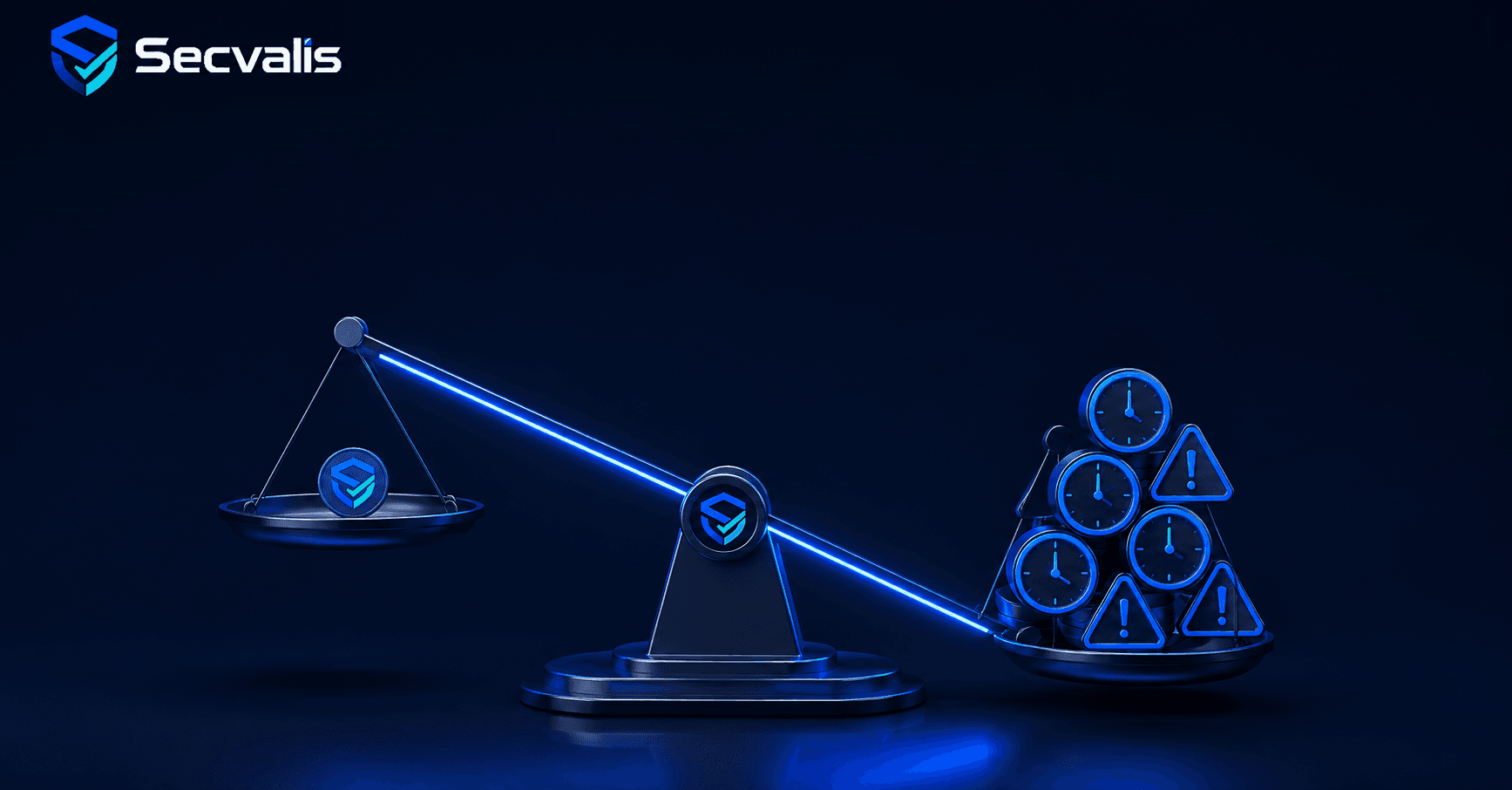
"We use a free scanner, so vulnerability management costs us nothing." I hear that sentence regularly and every time I want to ask one thing: if it costs nothing, why is someone spending their time on it. A zero-cost licence is free. The process around it is not, its cost simply does not arrive as an invoice, so it is easy to pretend it is not there.
I want to work that cost out, but with a hard rule I stick to: no made-up figures presented as fact. The whole calculation rests on explicit assumptions you can replace with your own. This is meant to be "work it out yourself", not "trust my number".
The scenario
Take something concrete: 15 Linux servers, scanned with free Trivy, the excellent scanner from the Aqua Security project. The company falls under some audit regime, so it needs not only to scan but also to prove the process. That is the typical situation of a small or mid-sized company under NIS2 or ISO 27001.
We will count four components, none of which is included in the licence price.
Component 1: admin time for review and consolidation
Trivy gives you a result per machine. Someone has to review those results, filter the noise, consolidate them into a single picture of the fleet and decide what to do. With 15 machines that is not zero.
Assumption to replace: X hours a month for review and consolidation. Let us say a working 6 hours. The admin's hourly rate as a parameter, call it R. The monthly cost of this component is 6 times R, annually 72 times R. If your admin does it in 3 hours, put in 3. If in 12, put in 12. The point is that the number should be yours, not mine.
Component 2: building and maintaining the layer on top
The scan alone is not enough for an audit, which I have written about separately. You need a process layer: scan history, remediation deadlines, owners, reports. If you use only the free scanner, you build that layer yourself: a database for results, scripts comparing scans over time, a spreadsheet or a simple system for deadlines, a report generator.
This has two costs. A one-off build cost, counted in days or weeks of work depending on ambition. And an ongoing maintenance cost, because scripts break, formats change, someone has to look after it. In your own calculation, enter D build days times a day rate and the actual monthly maintenance hours. This component is the most underestimated, because the build is done once with enthusiasm, while maintenance drags on quietly for years.
Component 3: preparing audit evidence
Once a year, or more often, someone assembles evidence for a period. In the free-scanner model without a proper layer on top, this is what I described: days of gathering screenshots and reconstructing history. Assumption to replace: the number of days of work before the audit times a day rate. If you have a good layer from component 2, this cost falls, but then component 2 grew. The cost does not vanish, it just moves between columns.
Component 4: operational risk
I will not put a figure on this, because any number would be invented, and I promised not to do that. I will describe it qualitatively, because omitting this component would be dishonest in the other direction.
An unrecorded critical. In a manual process it is easy for one critical vulnerability to slip through the noise and go unhandled past its deadline. The cost of such an event is zero until it is catastrophic, and that is precisely the nature of risk.
The departure of the only person. The layer from component 2 usually lives in one person's head. When that person leaves, the process leaves with them, and rebuilding it costs more than building it from scratch. That is a real cost nobody enters in the spreadsheet until it hits.
One worked variant
Let us gather this with explicit assumptions I name outright: admin 6 hours a month for review, rate R, building the layer a one-off 5 days, maintenance 3 hours a month, audit preparation 4 days a year, a day rate as 8 times R.
Annually in admin hours: review 72 hours, maintenance 36 hours, audit 32 hours, the build spread by amortisation 8 hours assuming the layer lives five years. That is about 148 hours a year times R, plus operational risk, which I do not price. Put in your rate R and you get a specific number that is not mine but yours, and which you can compare with the price of a ready-made platform.
Honestly on the other side: a ready-made platform is also a cost, an annual subscription that must be entered explicitly. The point of the calculation is not to make "free turns out expensive" come out, but to have both scenarios counted by the same measure. Only then does the comparison have value.
When free genuinely wins
And here is a point I will not skip. With 2 or 3 servers and no audit obligation, this whole calculation looks different: review takes half an hour, the layer on top is not needed because there is nobody to prove the process to, there is no audit. In that scenario the free scanner wins and a paid platform would be spending without return. That is not a concession, it is the honest part of the same calculation: costs grow with the number of machines and with the evidence requirement, and at small scale they are genuinely close to zero.
Work out your own variant
If you want to see these three paths set side by side, the free scanner alone, the scanner with a self-built layer and the scanner with a ready-made layer, with the costs and limitations of each, compare them on one page.
A free scanner is free in the "licence" column. In the "total cost of ownership" column it has a price, only you pay it in hours and in risk rather than by transfer. It is worth working that price out consciously, before the audit or the departure of one person works it out for you.
Sources and assumptions
The stated 148 hours are solely an illustration based on the explicit assumptions in the article, not a market average.
Weekly CVE digest
One email a week with newly published vulnerabilities worth knowing about. No account needed.
This digest covers new vulnerabilities in general, not your servers. If you want to know which of them actually run in your infrastructure, that is what Secvalis does: it scans your machines and reports only what concerns them.